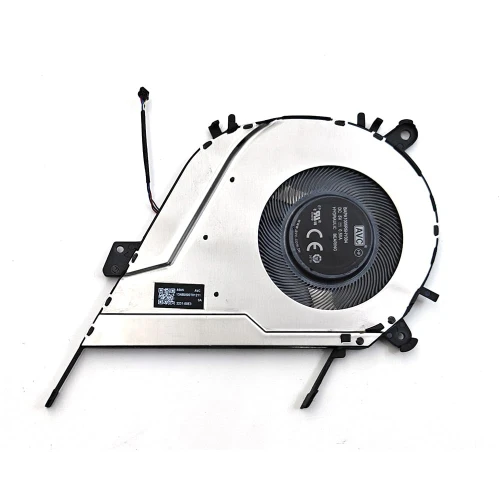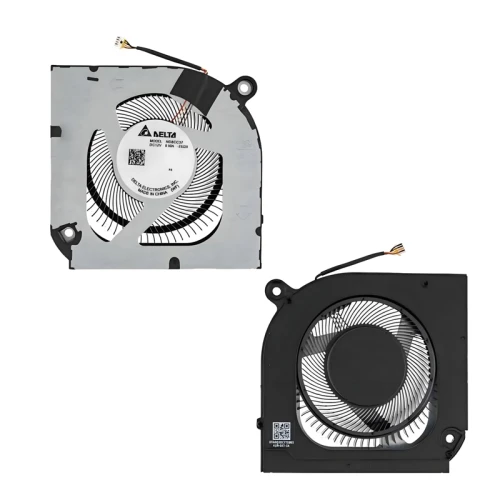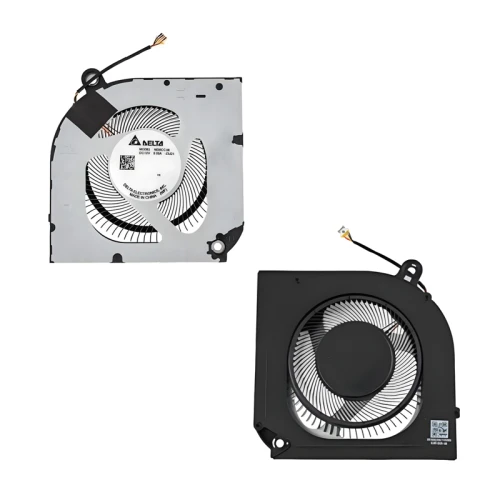
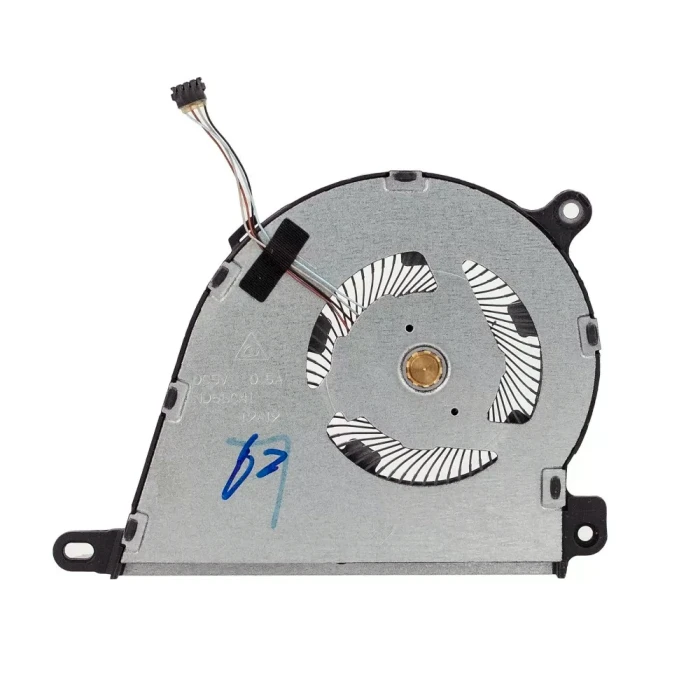
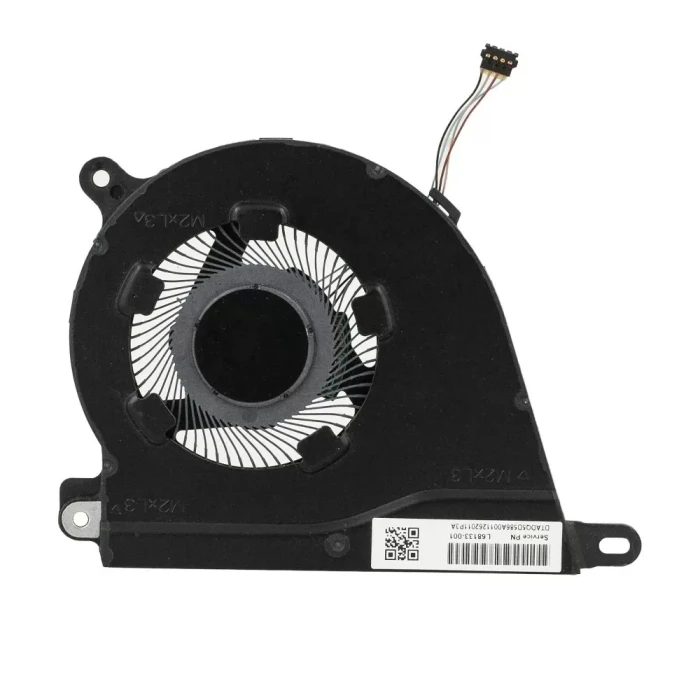
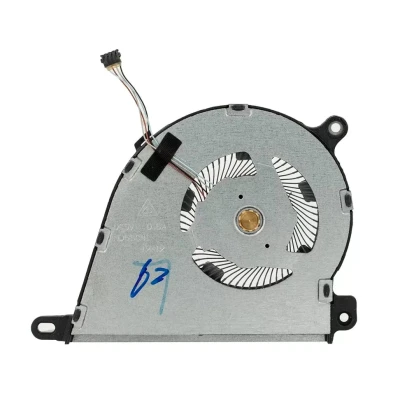
HP 15-DY 15-EF 15S-FQ 15S-EQ TPN-Q242 ND75C07-19A18 L68134-001 Fan original
hot sales| Model | L63588-001 |
| Condition: | NEW |
| Compatible |
L63588-001 L68133-001 L68134-001 ND55C41-19A19 ND75C07-19A18 ,HP 15s-eq HP 15s-eq0001ur HP 15s-eq0008ur HP 15s-eq0014ur HP 15s-eq0053ur HP 15s-eq0071ur HP 15s-eq0077ur HP 15s-eq0081ur HP 15s-eq1033ur HP 15s-eq1048ur HP 15-ef HP 15-ef0021nr HP 15-ef0022nr HP 15-ef1010nr HP 15-ef1036nr HP 15-ef1038nr HP 15-ef1045nr HP 15-ef1072nr HP 15-ef1073nr HP 15-ef1074nr HP 15-ef1075nr HP 15-ef1076nr HP 15-ef1077nr HP 15-ef1078nr HP 15-ef1079nr HP 15-ef1081nr HP 15-dy HP 15-dy1020nr HP 15-dy1024wm HP 15-dy1032wm HP 15-dy1036nr HP 15-dy1074nr HP 15-dy1751ms HP 15s-fq1081ur HP 15s-fq1119ur HP 15s-fq1120ur HP 15s-fq2010ur HP 15s-fq2017ur HP 15s-fq2018ur HP 15s-fq2019ur HP 14-fq HP 14s-fq HP 14s-fq0005ur HP 14s-fq0006ur HP 14s-fq0007ur HP 14s-fq0008ur HP 14s-fq0009ur HP 14s-fq0014ur HP 14s-fq0015ur HP 14s-fq0016ur HP 14s-fq1017ur HP 14s-fq1018ur HP 14s-fq1018ur HP 14s-fq1019ur HP 14s-fq1019ur HP 14s-fq1020ur HP 14s-fq1022ur HP 14s-fq1029ur HP 14s-fq1033ur HP 14s-fq1035ur HP 14s-fq1038ur HP 14s-fq1039ur HP 14s-fq1045ur |
Shop similar cooling fan

Product Description
HP 15-DY 15-EF 15S-FQ 15S-EQ TPN-Q242 ND75C07-19A18 L68134-001 Fan original is a high-quality replacement cooling fan designed for your laptop. This model (L63588-001) is manufactured to meet or exceed original specifications, ensuring reliable performance and long service life.
Key Specifications:
- Model: L63588-001
- SKU: LT-16746
- Condition: Brand New
- Warranty: 90‑day replacement guarantee
Compatible Part Numbers:
L63588-001
L68133-001
L68134-001
ND55C41-19A19
ND75C07-19A18
,HP 15s-eq
HP 15s-eq0001ur
HP 15s-eq0008ur
HP 15s-eq0014ur
HP 15s-eq0053ur
HP 15s-eq0071ur
HP 15s-eq0077ur
HP 15s-eq0081ur
HP 15s-eq1033ur
HP 15s-eq1048ur
HP 15-ef
HP 15-ef0021nr
HP 15-ef0022nr
HP 15-ef1010nr
HP 15-ef1036nr
HP 15-ef1038nr
HP 15-ef1045nr
HP 15-ef1072nr
HP 15-ef1073nr
HP 15-ef1074nr
HP 15-ef1075nr
HP 15-ef1076nr
HP 15-ef1077nr
HP 15-ef1078nr
HP 15-ef1079nr
HP 15-ef1081nr
HP 15-dy
HP 15-dy1020nr
HP 15-dy1024wm
HP 15-dy1032wm
HP 15-dy1036nr
HP 15-dy1074nr
HP 15-dy1751ms
HP 15s-fq1081ur
HP 15s-fq1119ur
HP 15s-fq1120ur
HP 15s-fq2010ur
HP 15s-fq2017ur
HP 15s-fq2018ur
HP 15s-fq2019ur
HP 14-fq
HP 14s-fq
HP 14s-fq0005ur
HP 14s-fq0006ur
HP 14s-fq0007ur
HP 14s-fq0008ur
HP 14s-fq0009ur
HP 14s-fq0014ur
HP 14s-fq0015ur
HP 14s-fq0016ur
HP 14s-fq1017ur
HP 14s-fq1018ur
HP 14s-fq1018ur
HP 14s-fq1019ur
HP 14s-fq1019ur
HP 14s-fq1020ur
HP 14s-fq1022ur
HP 14s-fq1029ur
HP 14s-fq1033ur
HP 14s-fq1035ur
HP 14s-fq1038ur
HP 14s-fq1039ur
HP 14s-fq1045ur
Important Notes:
- Always compare our product photos with your original fan – check the connector type, screw hole positions, and overall dimensions. Even if the model matches, physical appearance can vary.
- The screw hole positions of fans from different manufacturers are different – ensure they match your heat sink.
- Sticker may vary – the label on the fan may differ, but functionality and compatibility are guaranteed.
- Original vs OEM – we offer both options. Original parts are higher quality, while OEM parts are more affordable and may be the only option for older laptops.
If you are unsure about compatibility, send us a photo of your original fan (top and side) – we will verify and recommend the correct part.